
MCP Protocol: How Voice Notes Fit into Agentic AI Workflows
Explore how the Model Context Protocol (MCP) turns your voice recordings into a live data source for AI agents — enabling search, retrieval, and automated workflows.
What Is the Model Context Protocol?
The Model Context Protocol (MCP) is an open standard that lets AI models access external data and tools through a structured interface. Think of it as a universal adapter: instead of each AI application building custom integrations for every data source, MCP provides a common language for AI agents to discover, query, and act on information.
For voice data, this is transformative. Your meeting recordings, voice memos, and transcribed notes contain some of the richest context in your workflow — decisions made, tasks assigned, ideas explored. MCP makes this context accessible to AI agents that can search, retrieve, and reason over it.
Why Voice Data Is the Ideal Input for AI Agents
Most knowledge work happens through conversation. Meetings, calls, brainstorms, interviews — the most important decisions are spoken, not typed. Yet this spoken knowledge typically disappears the moment the conversation ends.
When voice recordings are transcribed and indexed, they become a searchable knowledge base that AI agents can tap into:
- Temporal context — Voice notes carry timestamps, making it possible to trace when decisions were made and by whom.
- Unfiltered detail — Unlike written summaries, transcripts capture the full conversation, including nuance, disagreement, and reasoning.
- Volume — People speak roughly 4x faster than they type. Voice captures far more information per minute than any other input method.
How Speechy Implements MCP
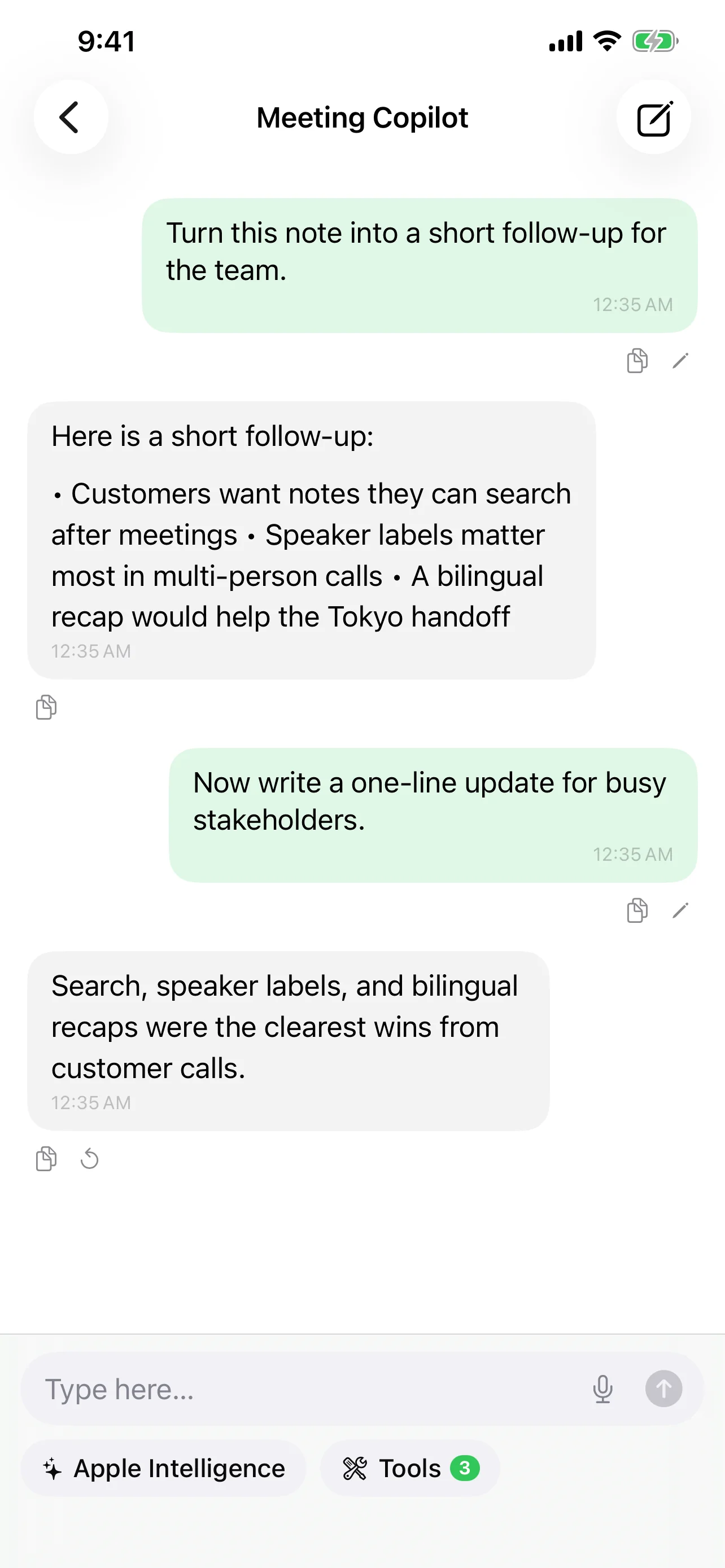
Speechy integrates the MCP SDK (v0.12.0+) to expose your voice note library as a set of tools that any MCP-compatible AI agent can call. Here's how it works:
Tool Calling — Speechy registers tools that agents can invoke:
search_notes— Full-text search across all transcribed notes. An agent can ask "find all meetings where we discussed the Q2 roadmap" and get back relevant transcript segments with timestamps.search_memories— Query the AI memory system that maintains cross-conversation context. This lets agents understand not just what was said, but what patterns and themes emerge over time.
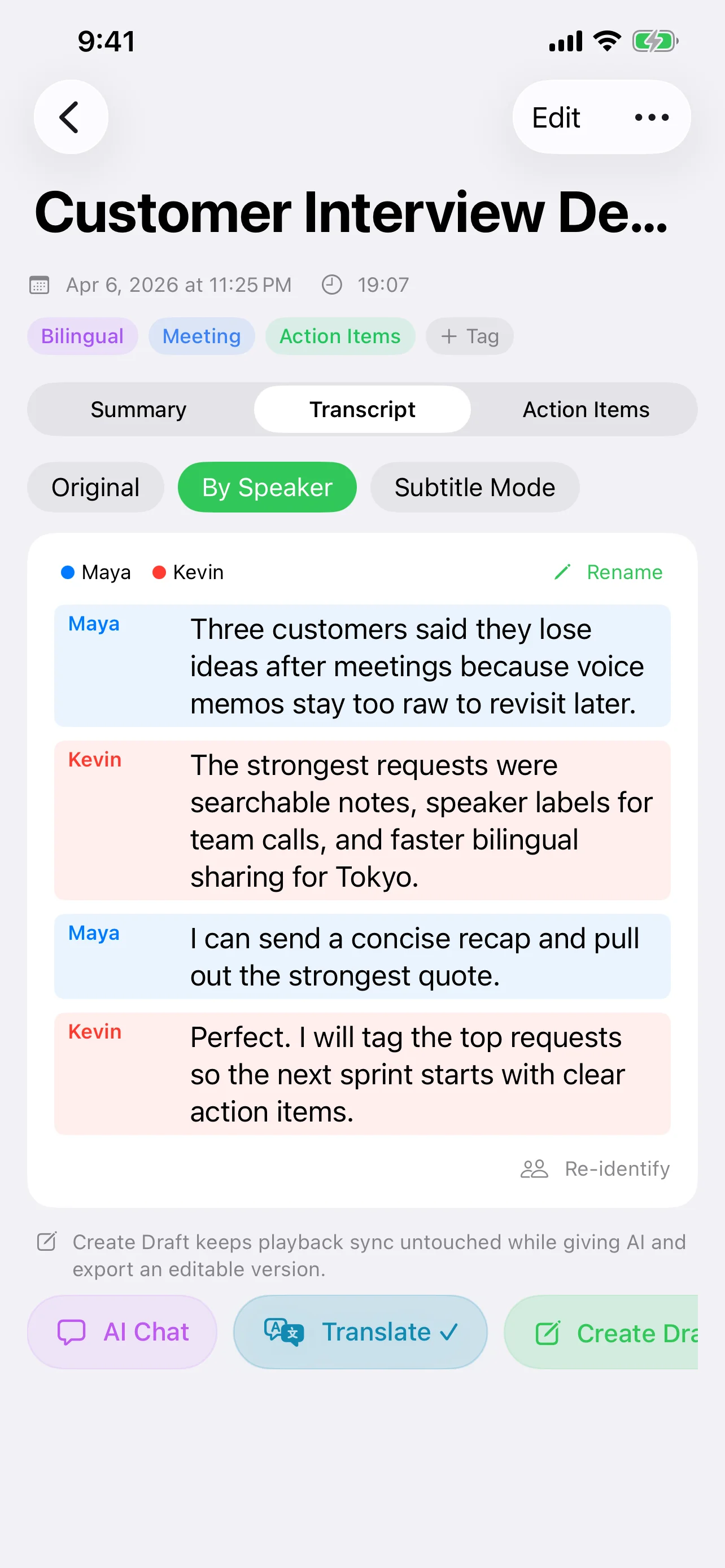
Structured Output — Speechy uses @Generable structured output to return data in a format AI agents can parse reliably — not just raw text, but typed objects with fields for speakers, timestamps, summaries, and action items.
Real-World Scenarios
Scenario 1: Pre-meeting brief
Before a recurring team meeting, an AI agent queries your Speechy notes: "What action items were assigned in last week's meeting? Which ones are still open?" The agent retrieves the relevant transcript segments, cross-references with the action items extracted by Speechy's AI, and generates a brief for you.
Scenario 2: Cross-referencing decisions
You're drafting a product spec and need to verify a decision from a meeting three weeks ago. Instead of scrolling through recordings, your AI agent searches your notes via MCP: "When did we decide to drop feature X, and what was the reasoning?" The agent returns the exact transcript segment with speaker attribution and timestamp.
Scenario 3: Automated follow-ups
An AI agent monitors your meeting notes for action items. When it detects a new commitment ("Sarah will send the updated designs by Friday"), it can create a reminder, draft a follow-up message, or update a project tracker — all triggered by voice data flowing through MCP.
The Agentic Future: Voice as a First-Class Citizen
The pattern emerging in AI workflows is clear: agents need access to the data where real work happens. For most professionals, that's conversations. MCP makes it possible to treat voice recordings not as static audio files, but as live, queryable data sources that AI agents can interact with.
This creates a feedback loop:
- You record a conversation
- Speechy transcribes and indexes it with AI-generated metadata
- AI agents query your notes through MCP to surface insights
- The AI's memory system builds long-term context from your conversations
- Future queries become more relevant because the system understands your history
Voice becomes not just an input method, but a continuous data stream that feeds your entire AI-assisted workflow.
Getting Started
Setting up MCP in Speechy involves a few steps:
- Enable MCP in Speechy settings — Navigate to the AI settings panel and enable the MCP server.
- Choose your AI provider — MCP works with any of Speechy's supported providers: Apple Intelligence, Claude, GPT-4.1, Gemini, or local MLX models.
- Connect your AI agent — Point your MCP-compatible agent (Claude Desktop, custom agents, etc.) to Speechy's MCP endpoint.
- Start querying — Your agent can now search your voice notes, retrieve transcripts, and access AI-generated summaries and action items.
The setup is lightweight by design. MCP is a protocol, not a platform — it adds capability without adding lock-in.
Privacy and Control
MCP in Speechy follows the same local-first philosophy as the rest of the app. Tool calls execute on your device. Your voice data is exposed only to agents you explicitly connect — there's no cloud relay, no third-party indexing, no data leaving your control. You decide which notes are searchable and which AI provider processes the queries.
Try Speechy Free
Available on iPhone, iPad, and Apple Watch