
Organize & Export
Exporting and sharing
Share transcripts as text or audio, and export SRT/VTT subtitles from a note.
Updated 2026-04-192 min read
Share sheet
From a note's More menu, Share opens a compact sheet with text, audio, and subtitle options. Text choices include Original, Edited Draft, and — if you've translated the note — the Translation.
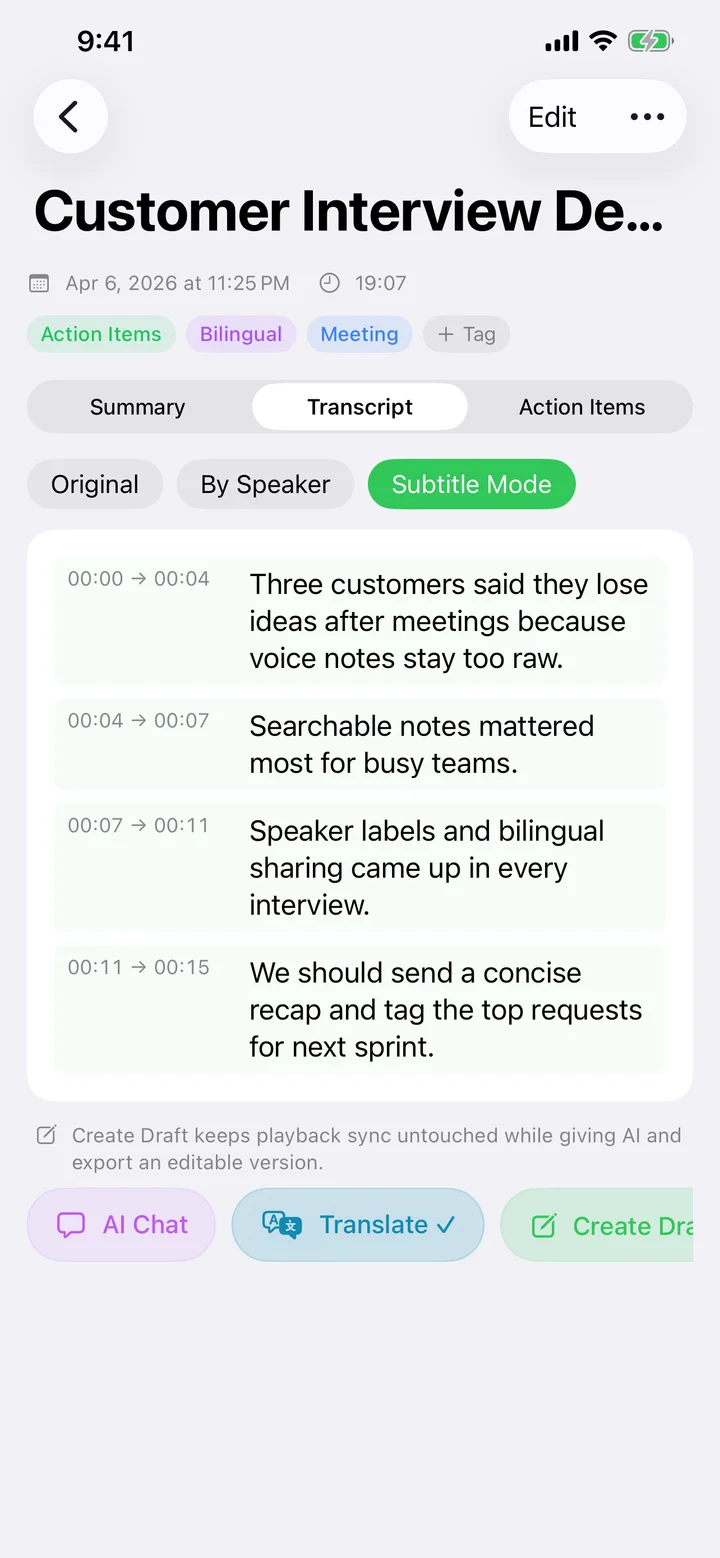
Subtitle export (SRT / VTT)
Speechy generates accurate timestamps from the on-device transcription, so you can drop the file straight into Final Cut, Premiere, DaVinci Resolve, or a video platform like YouTube or Vimeo.
What requires Pro
Subtitle export is a Pro feature. Speechy gives every new user a limited trial quota so you can try it before subscribing.
Try Speechy Free
Available on iPhone, iPad, and Apple Watch