
AI Chat across your notes
Two chat modes, voice input, live streaming, and optional tools and memory.
Two chat modes
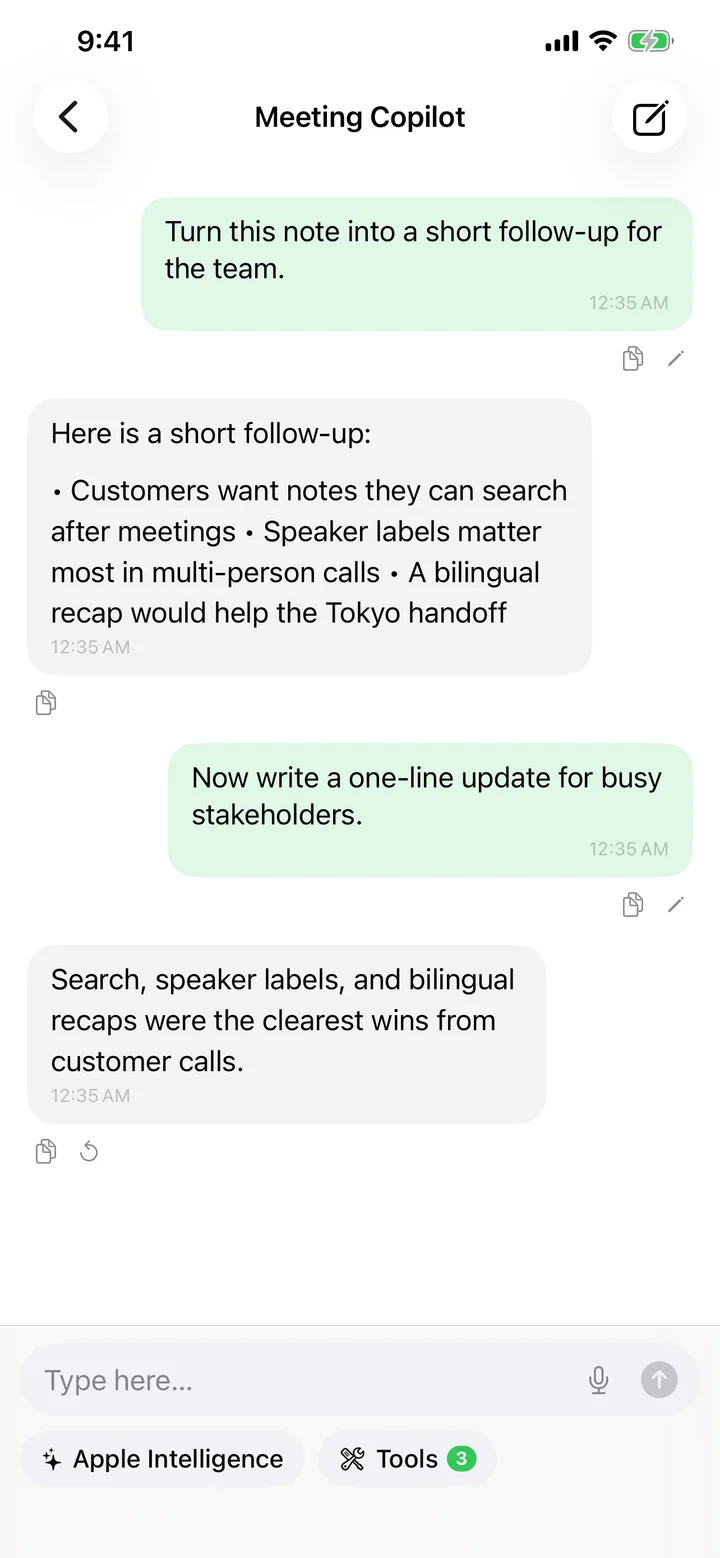
The Chat tab is the global assistant — ask anything and bring context from any note via tools. Inside a note, the AI Chat chip scopes the conversation to that one note.
Voice input
Tap the microphone in the input bar to dictate. When you hit send, Speechy stops the recording and folds the final transcript into the message — so you can speak and send in one gesture.
Tools and memory
Built-in tools let the assistant search your notes, count them, look through past conversations, and check what it has remembered about you. Advanced users can add more tools from Settings.
Share or export
The More menu at the top of a conversation has Copy All Messages, Share Conversation, and Delete Chat. Sharing a conversation with image attachments bundles each image as a separate file.
Try Speechy Free
Available on iPhone, iPad, and Apple Watch