
Recording & Transcription
Importing audio and video files
Turn any audio or video file — including Safari shares — into a Speechy note.
Updated 2026-04-192 min read
Two ways to import
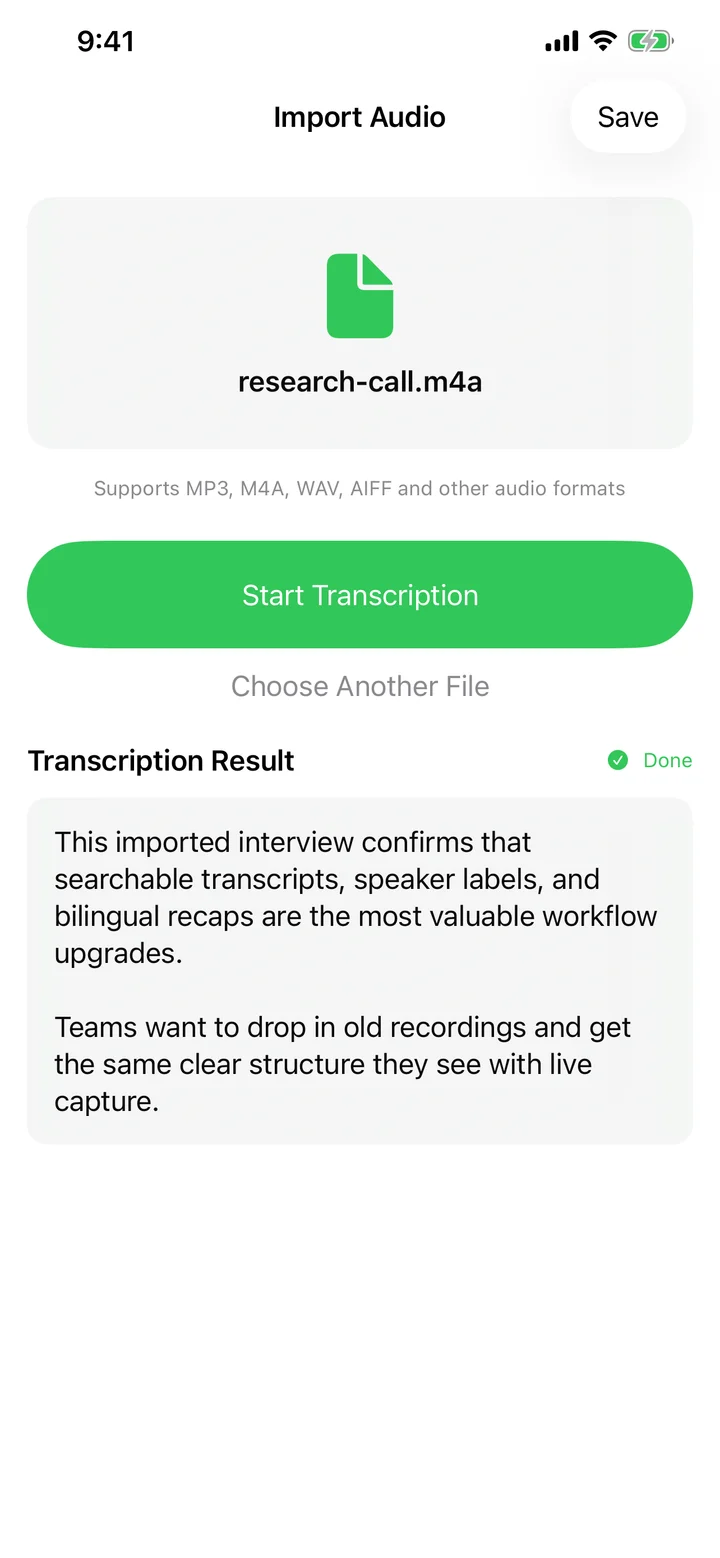
From any app's share sheet, send audio or video directly to Speechy Transcribe. Inside Speechy, the Record tab also has a file-import mode for picking a local file.
Supported formats
MP3, M4A, WAV, AIFF, and common video containers (MOV, MP4, and friends). Speechy extracts the audio track automatically for video files.
After transcription
You'll see the transcript along with word count and reading time. Tap Save to create a note — from there the usual AI summary, action items, and translation all apply.
Try Speechy Free
Available on iPhone, iPad, and Apple Watch