On-Device AI Transcription vs Cloud: Privacy, Speed, and Accuracy Compared
A deep dive into on-device speech recognition versus cloud-based transcription — comparing privacy, latency, accuracy, and cost for different use cases.
The Great Divide: Where Does Your Voice Data Go?
Every time you tap "record" on a transcription app, a fundamental choice is being made: does your audio stay on your device, or does it travel to a server thousands of miles away? This question has become the defining fault line in speech recognition technology.
With the arrival of Apple's SpeechAnalyzer framework in iOS 26, fully on-device transcription is no longer a compromise — it's a genuine alternative to cloud-based services. But which approach is actually better? The answer depends on what you value most.
Privacy: The Case for Keeping Audio Local
On-device transcription means exactly what it sounds like: your audio never leaves your phone. The speech recognition model runs locally, converting sound waves to text without any network request. For privacy-conscious users, this is transformative.
- Zero data transmission — No audio packets are sent to external servers. There is nothing to intercept, leak, or subpoena.
- No third-party processing — Cloud providers typically process your audio on shared infrastructure. Even with encryption in transit, your data exists momentarily on someone else's hardware.
- Regulatory compliance — For professionals in healthcare (HIPAA), legal (attorney-client privilege), or finance (SOX/GDPR), on-device processing eliminates an entire category of compliance risk.
Cloud transcription services have improved their privacy posture significantly — many now offer data deletion policies and encrypted pipelines. But no cloud service can match the simplicity of data that never leaves your device in the first place.
Speed and Latency: Instant vs. Network-Dependent
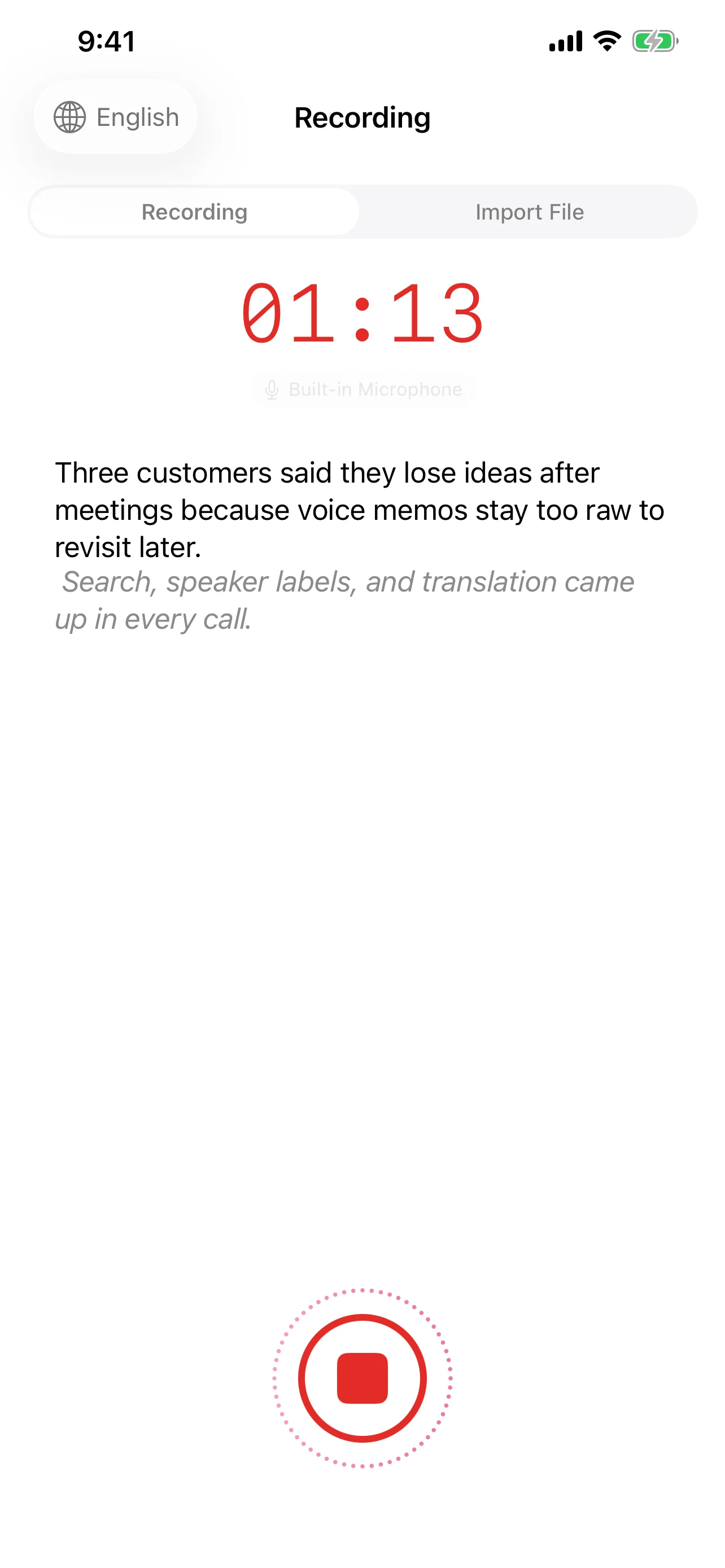
On-device transcription begins producing text the moment you speak. There is no handshake with a remote server, no waiting for audio chunks to upload, no round-trip latency. With Speechy's implementation of SpeechTranscriber for streaming recognition, words appear in real time as you speak.
Cloud transcription introduces inherent latency:
- Audio must be captured and packetized
- Packets travel to the server (50–200ms depending on network conditions)
- The server processes the audio
- Results travel back to your device
On a fast Wi-Fi connection, this round trip might be barely noticeable. On a congested cellular network — or in a conference room with poor reception — the delay becomes palpable. On-device processing eliminates this variable entirely.
Accuracy: Where Each Approach Excels
This is where the comparison gets nuanced. Neither approach holds a universal advantage.
On-device strengths:
- Excellent for common languages and standard vocabulary
- Consistent performance regardless of network conditions
- Apple's SpeechAnalyzer provides automatic punctuation via DictationTranscriber, making raw output immediately readable
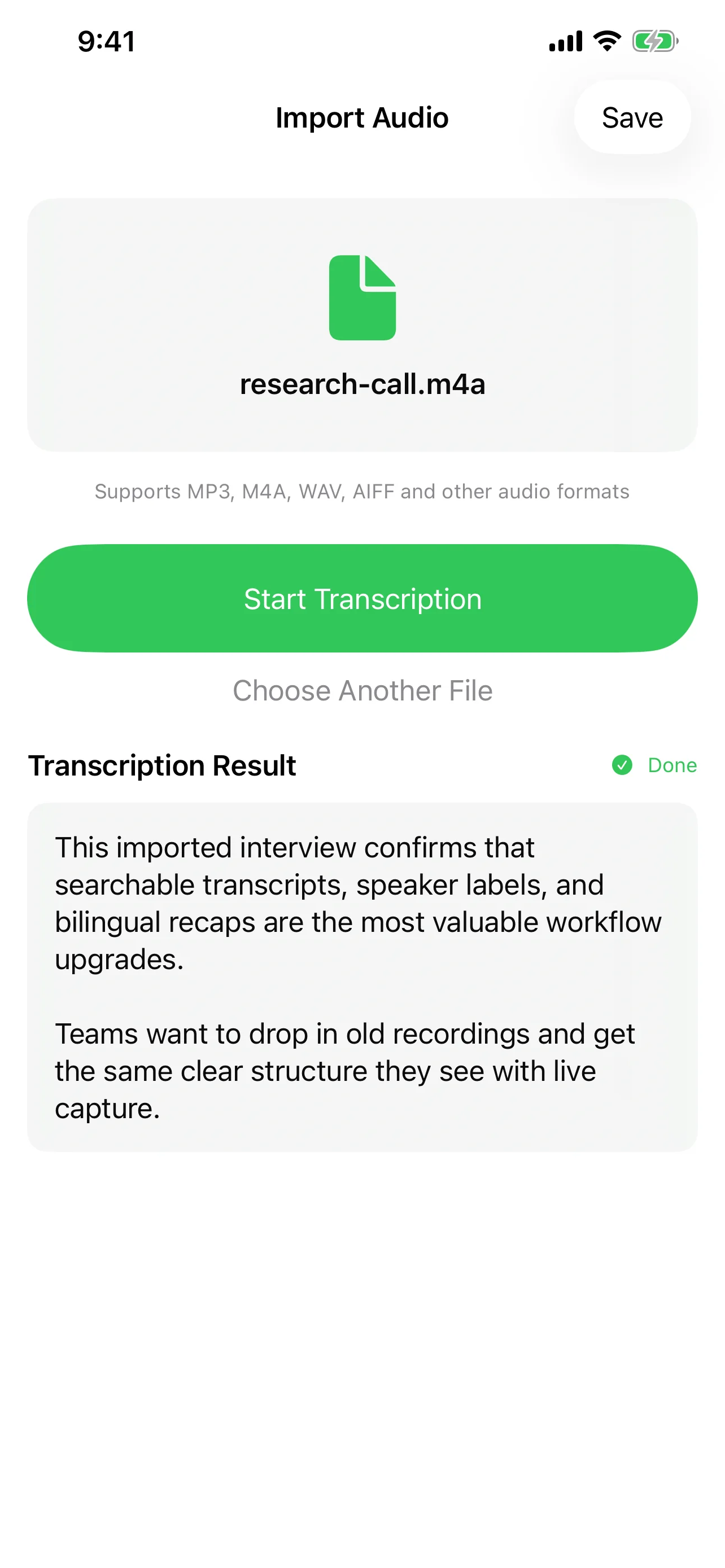
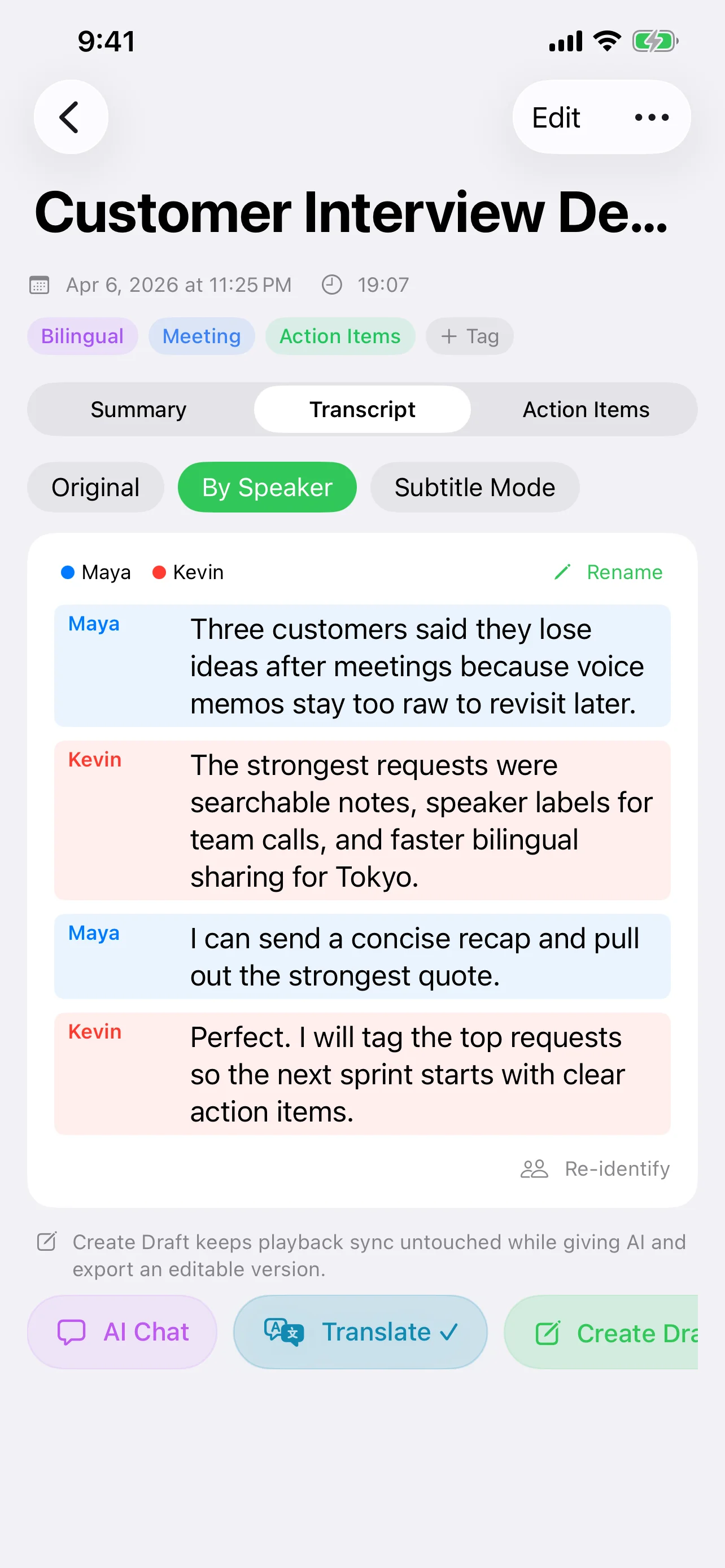
- Speaker diarization works entirely offline — Speechy separates and labels multiple speakers without any cloud dependency
Cloud strengths:
- Larger models with broader training data can handle rare languages, heavy accents, and domain-specific jargon more reliably
- Cloud models are updated continuously, benefiting from ongoing training
- For extremely long recordings, cloud services can leverage distributed computing for faster batch processing
The gap is narrowing rapidly. On-device models in 2026 handle scenarios that would have required cloud processing just two years ago. For most everyday transcription — meetings, voice notes, interviews — on-device accuracy is more than sufficient.
Cost: Free vs. Pay-Per-Minute
On-device transcription has a compelling cost structure: it's free. The processing happens on hardware you already own, using models bundled with the operating system. There are no API calls, no usage tiers, no monthly invoices.
Cloud transcription services typically charge per minute of audio processed. For occasional use, this might be negligible. For heavy users — journalists, researchers, content creators — costs accumulate quickly. A single hour-long interview can cost several dollars to transcribe through a cloud API.
Speechy's approach with local MLX models (Qwen, Gemma, Llama) extends this cost advantage to AI-powered post-processing. Summarization, action item extraction, and text correction can all run on-device at zero marginal cost.
Offline Availability: The Dealbreaker Scenario
Cloud transcription requires an internet connection. Full stop. If you're recording a conversation on a flight, in a basement meeting room, or in a rural area with no signal, cloud transcription simply does not work.
On-device transcription works everywhere your phone works. Speechy's complete pipeline — recording, transcription, speaker diarization, and even AI summarization via local models — functions without any network connection. This isn't a fallback mode; it's the full experience.
For professionals who cannot predict where their next important conversation will happen, offline capability is not a nice-to-have — it's a requirement.
How Speechy Bridges Both Worlds
The real insight is that this doesn't have to be an either/or choice. Speechy is designed around a local-first strategy that gives you the best of both approaches:
- Default to on-device — Transcription uses iOS 26's SpeechAnalyzer framework. Your audio stays local, results are instant, and it works offline.
- Local AI processing — Apple Intelligence and MLX models (Qwen, Gemma, Llama) handle summarization, correction, and analysis without cloud dependency.
- Cloud when you choose it — For tasks that benefit from larger models, Speechy offers GPT-4.1, Claude, and Gemini integration. You decide when the trade-off is worth it.
- Custom endpoints — Advanced users can connect any OpenAI-compatible API endpoint, including self-hosted models, keeping full control over where data goes.
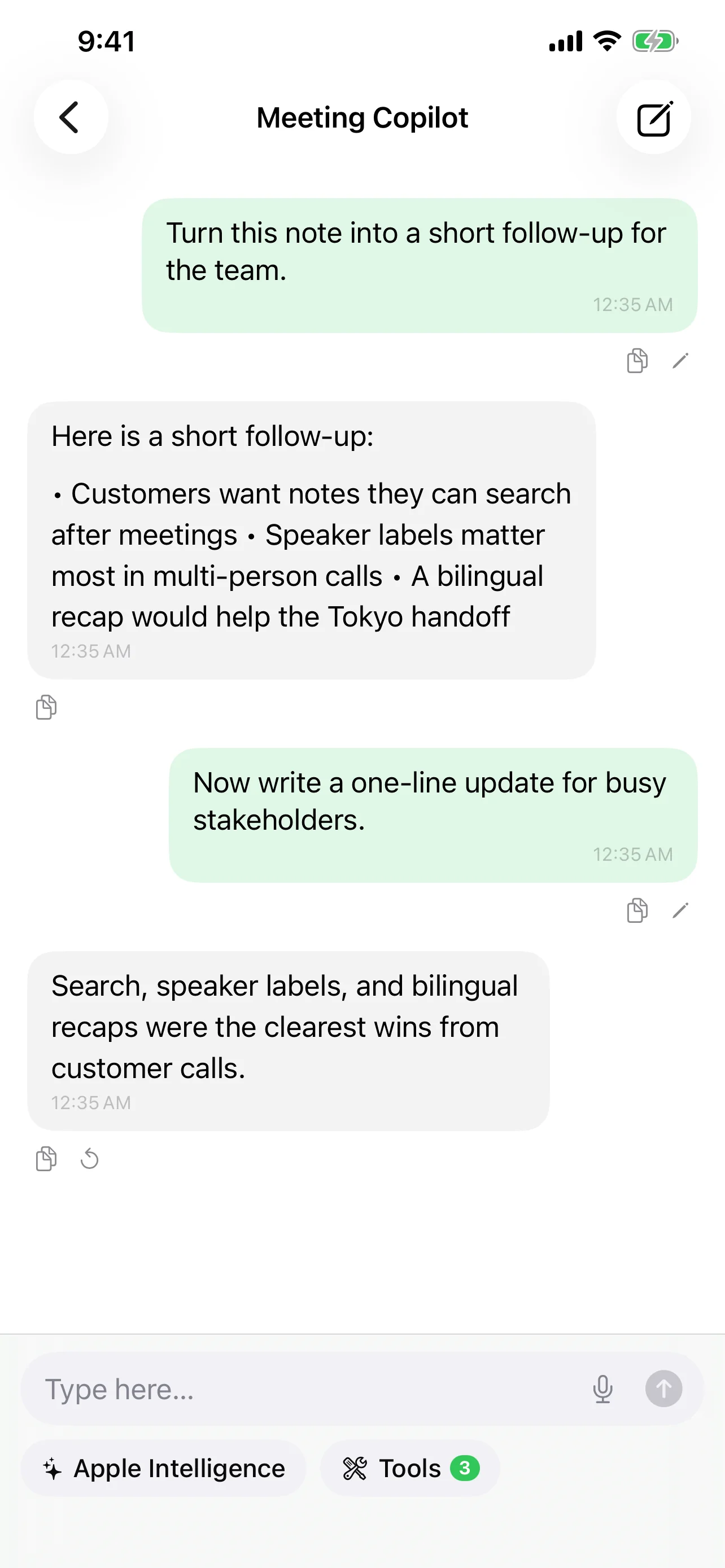
This architecture means you're never locked into one approach. A quick voice note stays entirely on your device. A complex multi-hour recording can be sent to a cloud model for deeper analysis — but only when you explicitly choose to do so.
Making the Right Choice
Here's a practical framework for deciding:
- Choose on-device when privacy is paramount, when you're offline or on unreliable networks, for everyday transcription tasks, or when cost matters.
- Choose cloud when you need maximum accuracy on specialized content, when processing extremely long recordings, or when you need capabilities that only the largest models provide.
- Choose hybrid (Speechy's default) when you want local-first convenience with the option to escalate to cloud power on demand.
The future of speech recognition isn't about choosing a side. It's about having the freedom to use the right tool for each moment — and keeping control over your data in the process.
Try Speechy Free
Available on iPhone, iPad, and Apple Watch