Translation & Read Aloud
Bilingual note translation
Translate a full note with Apple's on-device Translation framework and keep both languages side by side.
Updated 2026-04-192 min read
On-device translation
Speechy uses Apple's Translation framework, which runs on device after the language pack is installed. Your transcript doesn't leave the device for translation.
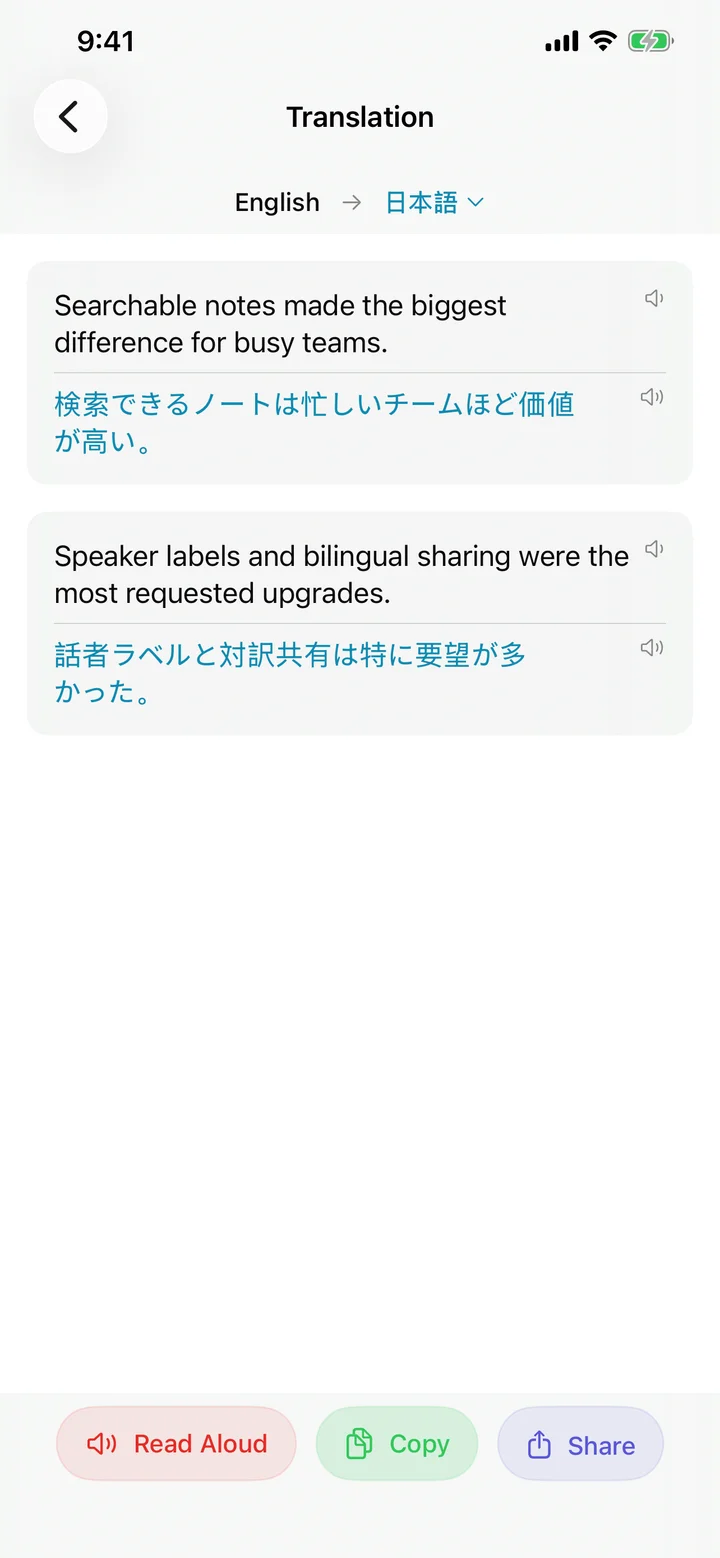
Pick a target language
From the Translate chip on a note, choose any of the ten supported target languages. A dot next to each language tells you whether its language pack is already installed or needs a one-time download.
Offline packs
Under Settings → Translation you can pre-download packs for the languages you use. Once installed, subsequent translations happen instantly and work in Airplane Mode.
Try Speechy Free
Available on iPhone, iPad, and Apple Watch