Tags, pins, and search
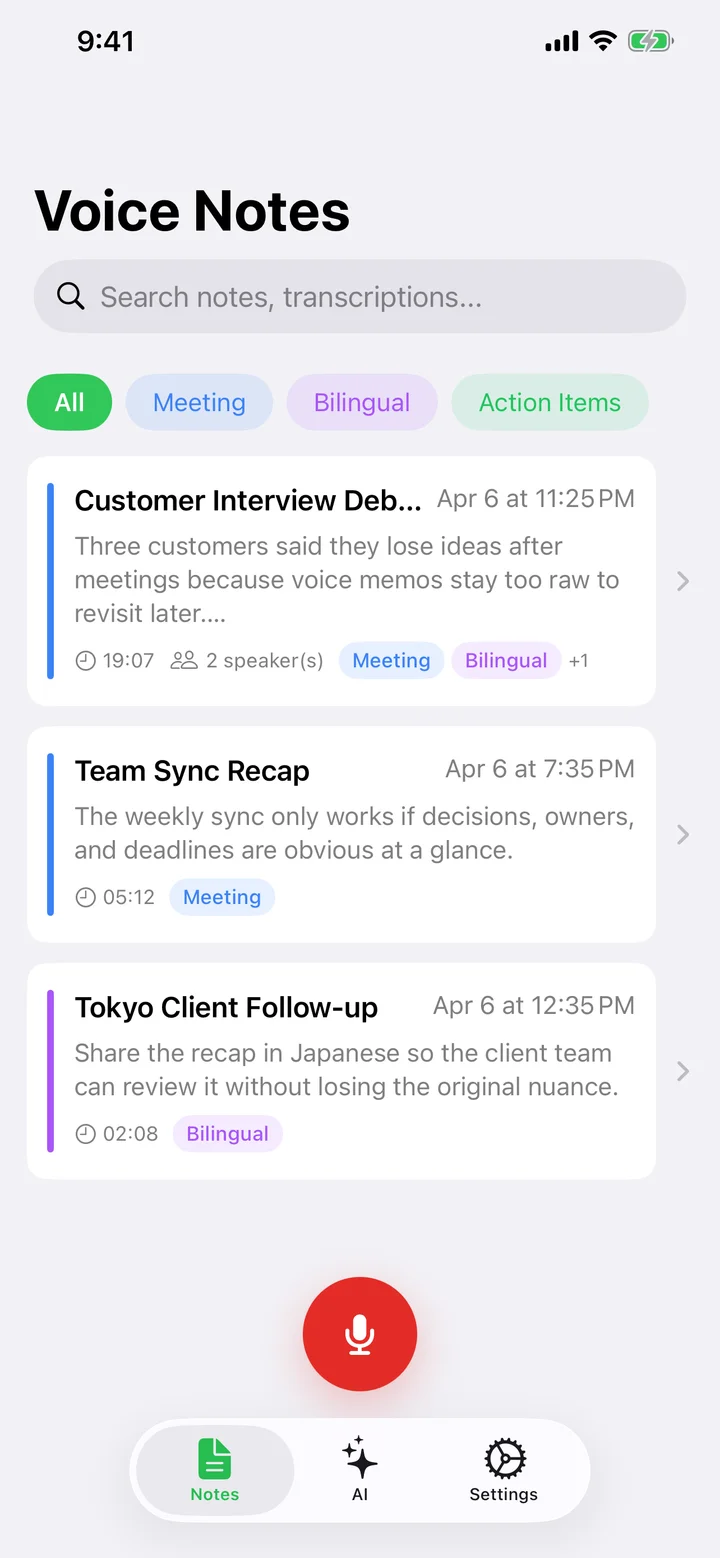
Organize notes with auto-colored tags, pin the important ones, and find anything with scoped search.
Tags with auto colors
Add tags from a note's header or promote any keyword from the summary. Each tag gets an auto-generated color so lists stay visually distinct without you choosing palettes.
Pinning and sorting
Swipe left on a row to Pin it — pinned notes sit at the top of every sort mode. Six sort options are available (created / modified / duration / word count, ascending or descending) and the choice is remembered across sessions.
Scoped search
The search bar supports three scopes — All / Title + Transcript / Tags — and highlights matching snippets with a few words of context. New notes are also indexed automatically by Spotlight, so you can find them from iOS search.
Try Speechy Free
Available on iPhone, iPad, and Apple Watch